Build your first world in 5 minutes
This guide takes you from the home page to a published obby that anyone can play. Everything here works today in the Obby Builder, right in your browser. No download, and you don't need an account until you publish.
1Open the builder
On the home page, click 🛠 Start building (next to ▶ Start Playing) and then Open the Obby Builder. You can also go to Create in the top menu. The builder opens with a small starter course, so you can test-play it right away.
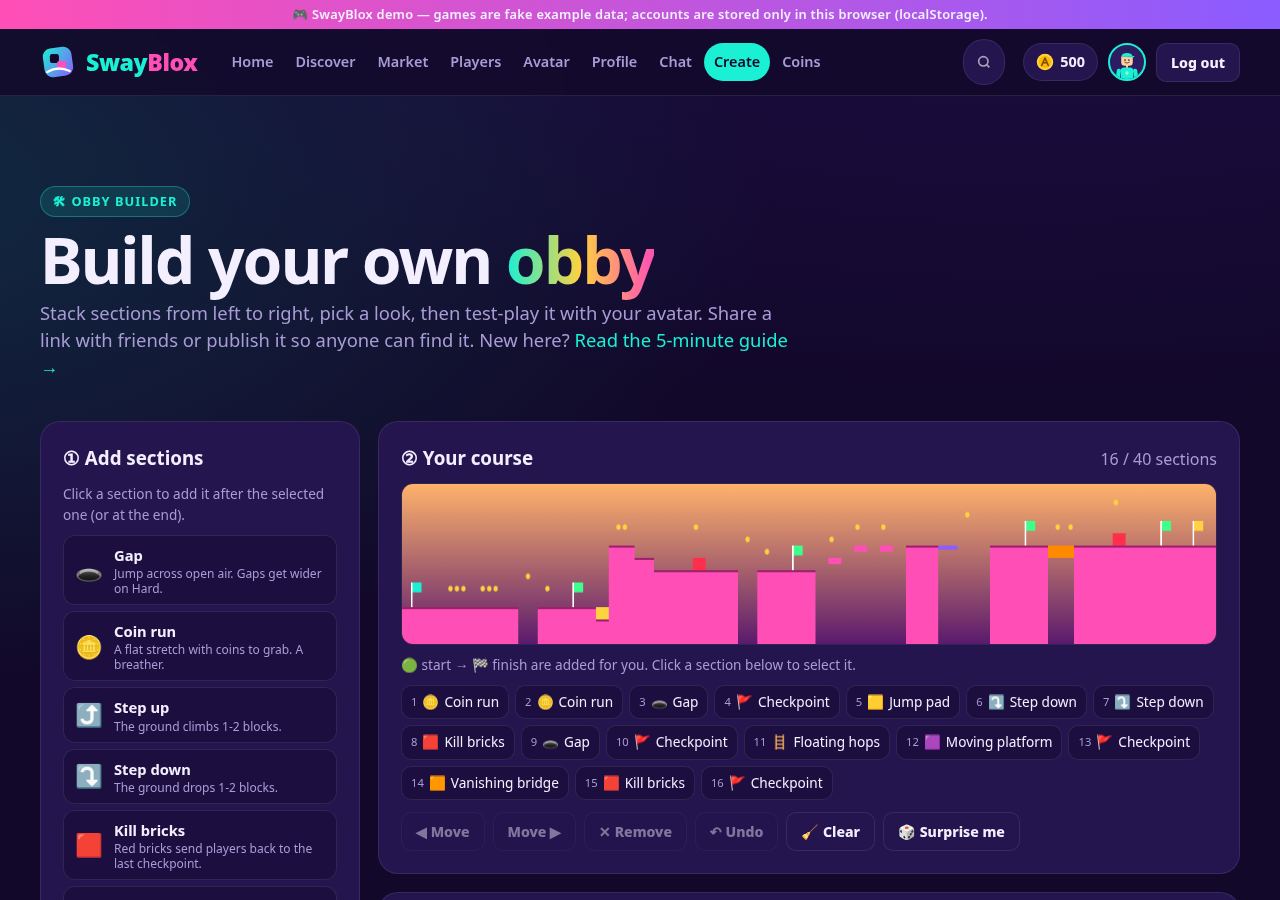
Your work saves automatically in this browser, so you can close the tab and come back later.
2Add sections
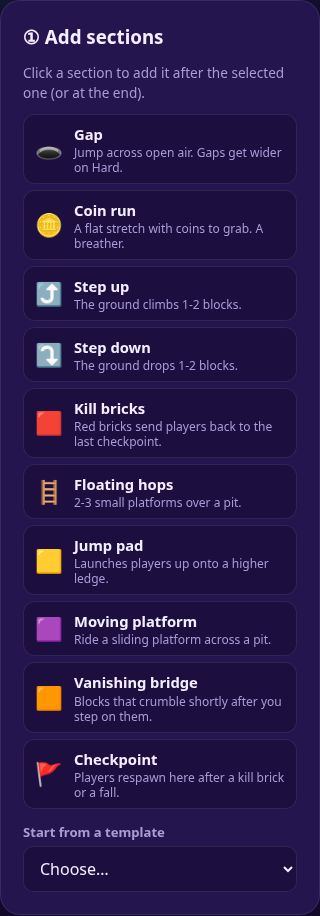
An obby is a row of sections that players run through from left to right. Click a section in panel ① to add it. It goes after the selected section, or at the end if nothing is selected. The 🟢 start and 🏁 finish are added for you. A course has 3 to 40 sections.
3Arrange your course
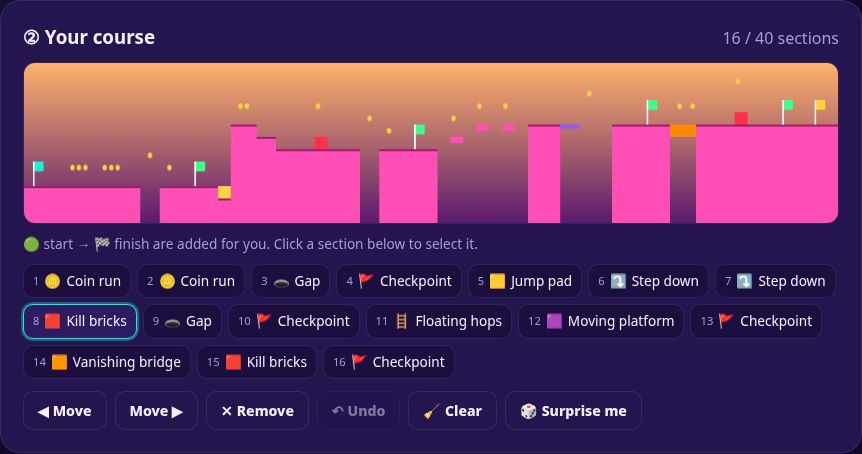
The course map at the top of panel ② is drawn by the same code the game uses, so what you see is what players get: green ground, 🟥 kill bricks, 🟨 jump pads, 🟧 vanishing blocks, 🟪 moving platforms, 🪙 coins and 🚩 checkpoints.
- Select a section by clicking it in the list (it lights up). Click it again to unselect.
- ◀ Move / Move ▶ shifts the selected section. ✕ Remove deletes it.
- ↶ Undo takes back your last change. 🧹 Clear empties the course.
- 🎲 Surprise me builds a random course with a checkpoint every few sections. It's a good place to start remixing.
4Name it & pick a look
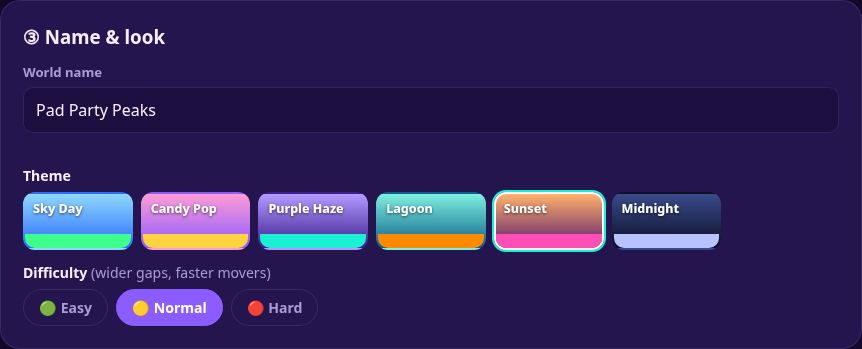
Give your world a name (3-40 characters, and keep it friendly). Pick one of 6 themes for the sky and block colours, then a difficulty:
- 🟢 Easy: short gaps, slow moving platforms. Great for a first course.
- 🟡 Normal: a bit wider and faster.
- 🔴 Hard: the widest gaps and fastest movers.
5Test play
Click ▶ Test play. Your obby opens in the game with your avatar (or a guest Swayling if you're not logged in). Press ▶ Start, or Enter.
Controls: ← → or A D to move · Space / ↑ / W to jump (hold for higher) · P to pause. On a phone, use the on-screen buttons. Game controllers work too.
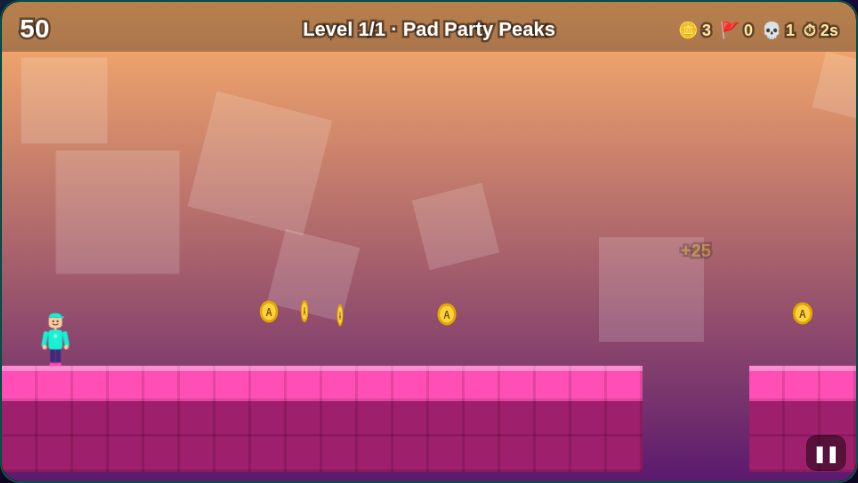
When you're done, click ✏️ Edit (or “← Back to the builder”) to keep changing it. Player-built worlds don't post scores or pay Arcade Coins, so nobody can farm a 3-section course.
6Share or publish
🔗 Copy share link gives you a link that opens your obby for anyone, with no account needed. The whole course is stored inside the link.
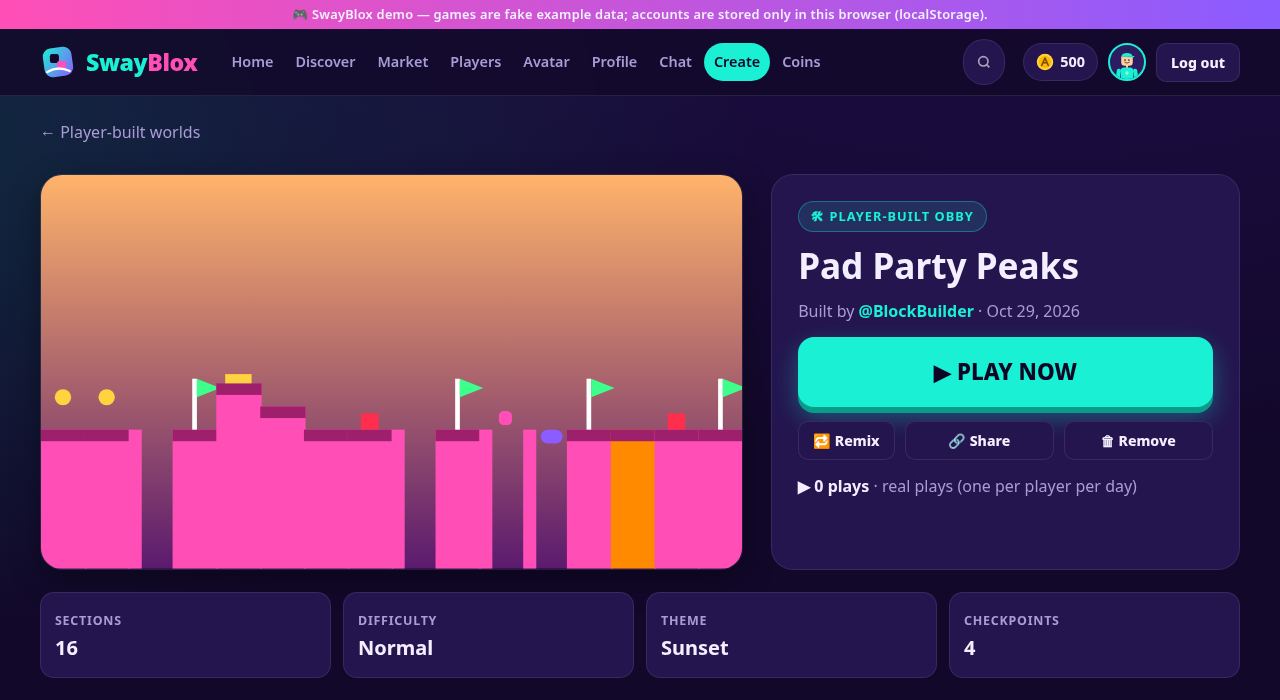
🚀 Publish (log in first) gives your world:
- its own page with a “Built by @you” credit and a 🔁 Remix button,
- a spot under Discover → 🛠 Player-built and on the home page,
- a real play counter (one play per player per day), which also feeds the 🏆 Top worlds and Top builders lists.
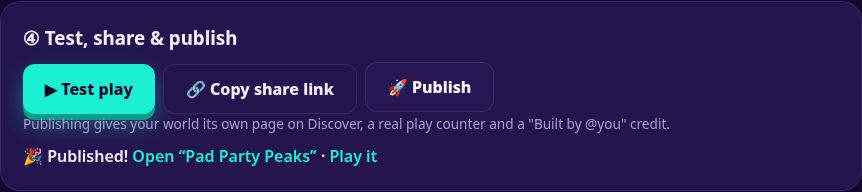
You can publish up to 5 worlds an hour and keep up to 20 live. Want to change a published world? Click 🔁 Remix, publish the new version, then remove the old one.
💡 Tips for a great obby
- Start gentle. Open with a 🪙 coin run or a gap so players learn to jump before the first kill brick.
- Checkpoint every 3-4 hazards. Restarting far back is the #1 reason players quit.
- One trick per stretch. A run of jump pads or vanishing bridges feels designed. A random mix feels messy.
- Step down before a jump pad. Pads launch players up, so give them room above.
- Keep it 10-25 sections. Long enough to be a challenge, short enough to finish.
- Test on every difficulty you pick. If you can't beat it, nobody will.
🚧 What's not built yet
The Obby Builder is the one building tool on SwayBlox today. These are not available yet:
- Placing single blocks freely, or building in 3D. You build with whole sections.
- Scripting (SwayScript is only a concept), custom thumbnails, music, or Team Create.
- Editing a published world in place (use Remix), and leaderboards for player-built worlds.